A link in bio that shows the work first
Most link-in-bio pages are a stack of grey buttons. For a photographer that is the wrong shape — the work is the pitch, and a page that hides it behind text is quietly costing you enquiries.
Build your page — freeWhy a button list is the wrong shape for photography
Someone tapping your Instagram bio link has already seen one image of yours and wants to see whether there are more. The standard link-in-bio answer is a 40-pixel circular avatar above five identical rectangles. That layout was designed for people whose links are the product — a podcast, a newsletter, a shop. For a photographer the images are the product, and the layout buries them.
The practical consequence is a wasted first impression. A visitor decides whether to keep scrolling in a second or two, and in that window a text list gives them nothing to react to. A full-bleed frame of your actual work does.
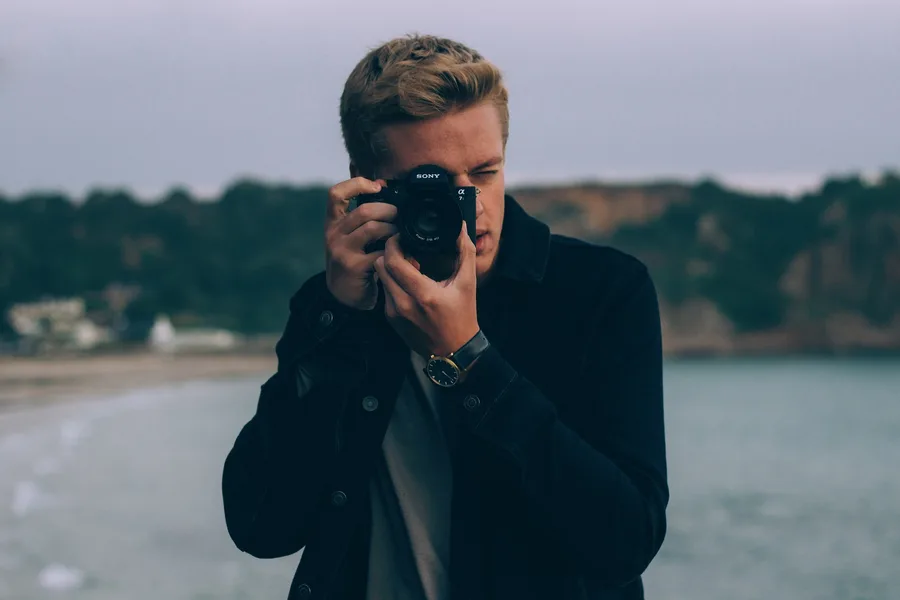
Setting a photograph as the whole page
Miine lets an image be the entire background, edge to edge. There is also a separate banner slot if you want a band of imagery at the top with your links below it, and a profile photo whose size you set yourself rather than accepting a fixed avatar.
Because text over a photograph is the hard part, the controls that matter for legibility are all exposed: title colour, bio colour, and a choice of button styles including a translucent glass treatment that stays readable over a busy frame without dropping an opaque box on top of your image.
- Full-page background image, or a flat colour, gradient or pattern if you would rather the work live only in the links
- Separate banner image for a masthead-style layout
- Profile photo size and shape — circle, rounded square, or a cut-out silhouette
- Independent colour control for the name and the bio so both stay legible over your image
Booking links that do not get buried
Almost every photographer has one link that actually generates income — a contact form, a rates page, a booking calendar — and four or five that are context. The problem with a uniform button list is that it gives all six the same visual weight.
Miine lets you feature exactly one button with a subtle motion, so the eye lands on your enquiry link without the page turning into a carnival. Everything else sits underneath in whatever order you drag it into: print shop, client galleries, Instagram, a second-shooter enquiry form.
Links can also be switched off without being deleted. A wedding season enquiry form, a workshop sign-up, a limited print drop — each can sit dormant between campaigns and come back on when you need it, rather than being rebuilt every time.
What this replaces
A Miine page is not a portfolio site and is not trying to be. A full portfolio — Squarespace, Format, Pixieset, your own domain — is where a client goes to evaluate your work seriously. The link-in-bio page is the thing that gets them there from a phone, in one tap, without a menu.
Used that way it sits above your portfolio rather than competing with it: your Instagram bio points at the Miine page, and the Miine page points at the portfolio, the galleries, and the enquiry form.
Setting one up in about five minutes
The order below matters more than it looks. Choosing the background first means every later decision — text colour, button style — is made against the image you will actually ship, rather than being re-tuned once you drop the photograph in at the end.
- Claim a username. This becomes your URL, so use the handle people already know you by.
- Set the background image before anything else, so colour choices are made against the real frame.
- Add your name and a one-line bio — what you shoot and where. Keep it to a line; the images carry the rest.
- Adjust title and bio colour until both are readable over the photograph.
- Add the enquiry link first, then everything else beneath it.
- Feature the enquiry link so it carries a subtle motion.
- Add Instagram and any other socials as icons rather than buttons.
- Publish, then paste the URL into your Instagram and TikTok bios.
If a client sends you to a second-shoot enquiry or a seasonal workshop later, add it as a new link and switch it off when the season ends rather than deleting it.
It stays yours
There is one tier and it is free. No design control is held back behind a plan and there is no upsell banner interrupting the page — every styling option described above is available to every account.
The one piece of Miine on your published page is a small "Miine" link in the corner. It is deliberately quiet, but it is there, and it is worth knowing about before you build a page for client-facing work.
Questions
What is the best link in bio for photographers?
The best link-in-bio for a photographer leads with imagery rather than a list of text buttons. Look for a full-bleed background image, independent colour control so text stays legible over a photo, and the ability to visually feature a single booking link. Miine provides all three free, with every design control included rather than tiered.
Can I use my own photo as the page background?
Yes. Miine supports a full-page background image plus a separate banner image. Profile photo size, title colour and bio colour are all adjustable so your text stays readable over a busy frame, and a translucent glass button style is available for the same reason.
Should a link in bio replace my photography portfolio?
No. A link-in-bio page is the one-tap hub you point your Instagram bio at; a portfolio site is where a client evaluates your work in depth. The two work together — the Miine page routes visitors to the portfolio, client galleries and your enquiry form.
Can I hide a booking link between seasons?
Yes. Every link has an on/off switch, so a seasonal enquiry form, workshop sign-up or print drop can be hidden and switched back on later without rebuilding it.
Is Miine free for photographers?
Yes. There is no paid tier, no trial period, and no design feature reserved for a subscription. Published pages carry a small "Miine" link in the corner.
It takes about two minutes.
Create your page — free